按照帮助开启GPU
runtime\python -m pip install --force-reinstall torch torchaudio --index-url https://download.pytorch.org/whl/cu128
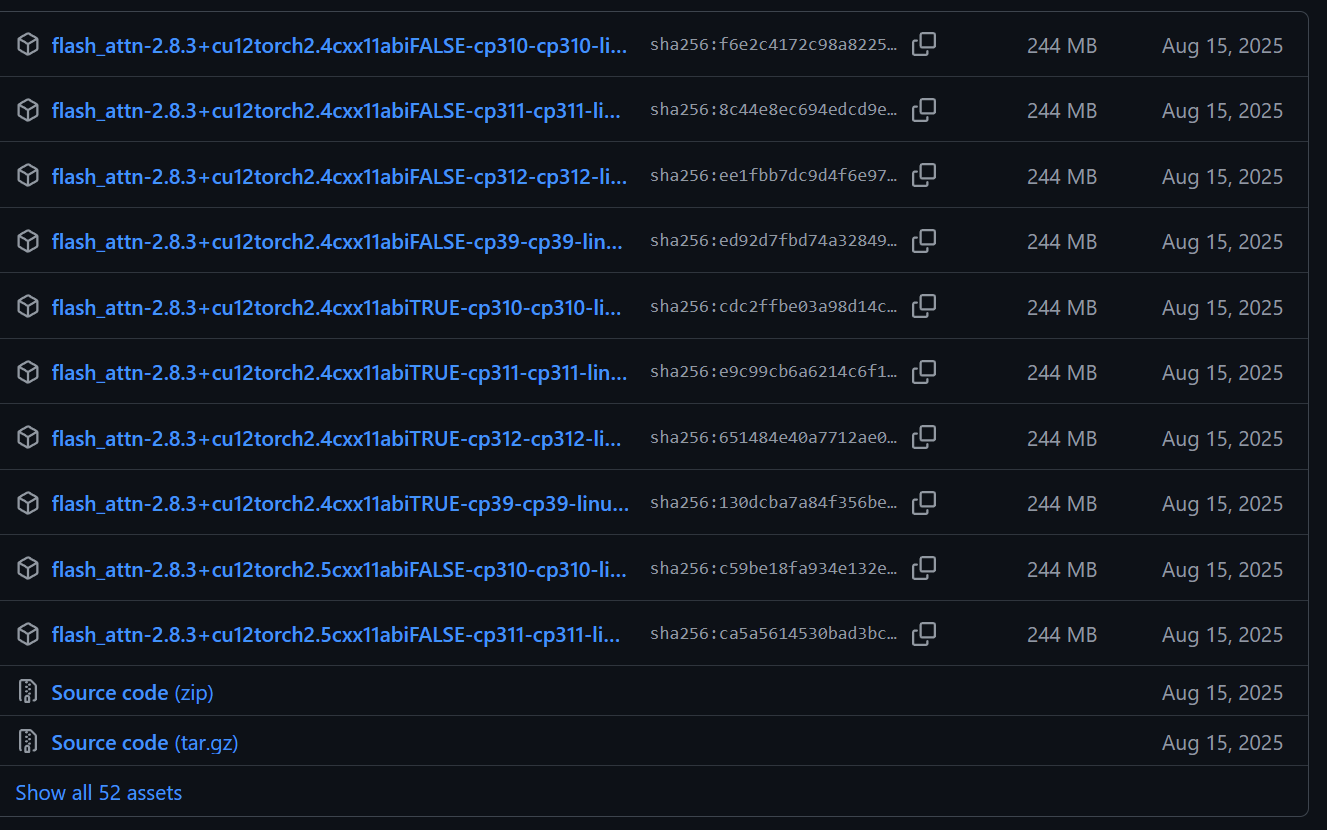
runtime\python -m pip install flash-attn --no-build-isolation
并且删掉自定义音色-1.7B模型.bat文件末尾的 --no-flash-attn --device cpu --dtype float32 代码,重启后
【当前启动的是:自定义音色 1.7B 模型 Qwen3-TTS-12Hz-1.7B-CustomVoice】
可使用这些音色 Vivian,Serena,Uncle_fu,Dylan,Eric,Ryan,Aiden,Ono_anna,Sohee
启动成功后,请在浏览器中打开: http://127.0.0.1:8000
第一次启动后需要下载模型,请耐心等待...
    *******************************
    如果你在 pyVideoTrans 中使用,请将该地址填写在菜单-TTS设置-Qwen3 TTS(本地)的WebUI URL中

    在该设置中测试时,请删掉填写的参考音频,自定义音色模型不可使用参考音频测试,否则会出错
    *******************************

    如果配置环境和下载模型中出错,请尝试科学上网,然后右键本bat文件-编辑-删掉该文件顶部第5行如下内容

            set HF_ENDPOINT=https://hf-mirror.com

    如果你有英伟达显卡并配置了CUDA环境,想加快语音合成速度,也请在本bat文件,删掉最后一行代码中的如下内容

            --device cpu --dtype float32

    然后保存关闭重新运行
    *******************************

    运行中可能出现一些"Warning:"或"SoX could not"信息,忽略即可, 当显示如下信息时即为启动成功:

    * To create a public link, set `share=True` in `launch()`.
Warning: flash-attn is not installed. Will only run the manual PyTorch version. Please install flash-attn for faster inference.
'sox' is not recognized as an internal or external command,
operable program or batch file.
SoX could not be found!
If you do not have SoX, proceed here:
 - - - http://sox.sourceforge.net/ - - -

If you do (or think that you should) have SoX, double-check your
path variables.
Traceback (most recent call last):
File "", line 198, in _run_module_as_main
File "", line 88, in _run_code
File "D:\aimodels\qwen3tts-win-0124-new\runtime\Lib\site-packages\qwen_tts\cli\demo.py", line 634, in
raise SystemExit(main())
                 ^^^^^^
File "D:\aimodels\qwen3tts-win-0124-new\runtime\Lib\site-packages\qwen_tts\cli\demo.py", line 608, in main
tts = Qwen3TTSModel.from_pretrained(
      ^^^^^^^^^^^^^^^^^^^^^^^^^^^^^^
File "D:\aimodels\qwen3tts-win-0124-new\runtime\Lib\site-packages\qwen_tts\inference\qwen3_tts_model.py", line 112, in from_pretrained
model = AutoModel.from_pretrained(pretrained_model_name_or_path, **kwargs)
        ^^^^^^^^^^^^^^^^^^^^^^^^^^^^^^^^^^^^^^^^^^^^^^^^^^^^^^^^^^^^^^^^^^
File "D:\aimodels\qwen3tts-win-0124-new\runtime\Lib\site-packages\transformers\models\auto\auto_factory.py", line 604, in from_pretrained
return model_class.from_pretrained(
       ^^^^^^^^^^^^^^^^^^^^^^^^^^^^
File "D:\aimodels\qwen3tts-win-0124-new\runtime\Lib\site-packages\qwen_tts\core\models\modeling_qwen3_tts.py", line 1876, in from_pretrained
model = super().from_pretrained(
        ^^^^^^^^^^^^^^^^^^^^^^^^
File "D:\aimodels\qwen3tts-win-0124-new\runtime\Lib\site-packages\transformers\modeling_utils.py", line 277, in _wrapper
return func(*args, **kwargs)
       ^^^^^^^^^^^^^^^^^^^^^
File "D:\aimodels\qwen3tts-win-0124-new\runtime\Lib\site-packages\transformers\modeling_utils.py", line 4971, in from_pretrained
model = cls(config, *model_args, **model_kwargs)
        ^^^^^^^^^^^^^^^^^^^^^^^^^^^^^^^^^^^^^^^^
File "D:\aimodels\qwen3tts-win-0124-new\runtime\Lib\site-packages\qwen_tts\core\models\modeling_qwen3_tts.py", line 1817, in init
super().__init__(config)File "D:\aimodels\qwen3tts-win-0124-new\runtime\Lib\site-packages\transformers\modeling_utils.py", line 2076, in init
self.config._attn_implementation_internal = self._check_and_adjust_attn_implementation(
                                            ^^^^^^^^^^^^^^^^^^^^^^^^^^^^^^^^^^^^^^^^^^^
File "D:\aimodels\qwen3tts-win-0124-new\runtime\Lib\site-packages\transformers\modeling_utils.py", line 2686, in _check_and_adjust_attn_implementation
applicable_attn_implementation = self.get_correct_attn_implementation(
                                 ^^^^^^^^^^^^^^^^^^^^^^^^^^^^^^^^^^^^^
File "D:\aimodels\qwen3tts-win-0124-new\runtime\Lib\site-packages\transformers\modeling_utils.py", line 2714, in get_correct_attn_implementation
self._flash_attn_2_can_dispatch(is_init_check)File "D:\aimodels\qwen3tts-win-0124-new\runtime\Lib\site-packages\transformers\modeling_utils.py", line 2422, in _flash_attn_2_can_dispatch
raise ImportError(f"{preface} the package flash_attn seems to be not installed. {install_message}")ImportError: FlashAttention2 has been toggled on, but it cannot be used due to the following error: the package flash_attn seems to be not installed. Please refer to the documentation of https://huggingface.co/docs/transformers/perf_infer_gpu_one#flashattention-2 to install Flash Attention 2.
Press any key to continue . . .
http://127.0.0.1:8000打不开。该怎么办?